



















At 8:15 in the morning, Riya opened her laptop to study for an upcoming examination. Before starting, she checked a college notification, replied to a message about an internship, opened a saved course, searched for information about a university, looked at a career video and remembered that she had promised herself she would complete a quiz that day. Ten minutes later, she had twelve browser tabs open and no clear idea about where to begin.
Nothing was missing from Riya’s digital life. She had access to courses, educational videos, career websites, college information, internship portals, quizzes and productivity applications. Yet the abundance of resources had created a different problem: fragmentation.
Modern students do not simply study. They research colleges, compare degrees, learn new skills, prepare for examinations, search for internships, build resumes, explore careers, complete assignments, participate in projects and increasingly use AI tools to understand difficult subjects. Each activity may happen on a different platform. The result can be an education journey that contains plenty of information but very little coordination.
This raises an interesting question: what if students had something resembling an “operating system for student life”?
The phrase does not mean a literal replacement for a computer operating system. It describes a connected digital environment that could help students organise different parts of their educational and career journey in one place. Instead of treating courses, quizzes, degrees, internships, career counselling, college discovery and skill development as separate activities, such a system could connect them around the student’s goals.
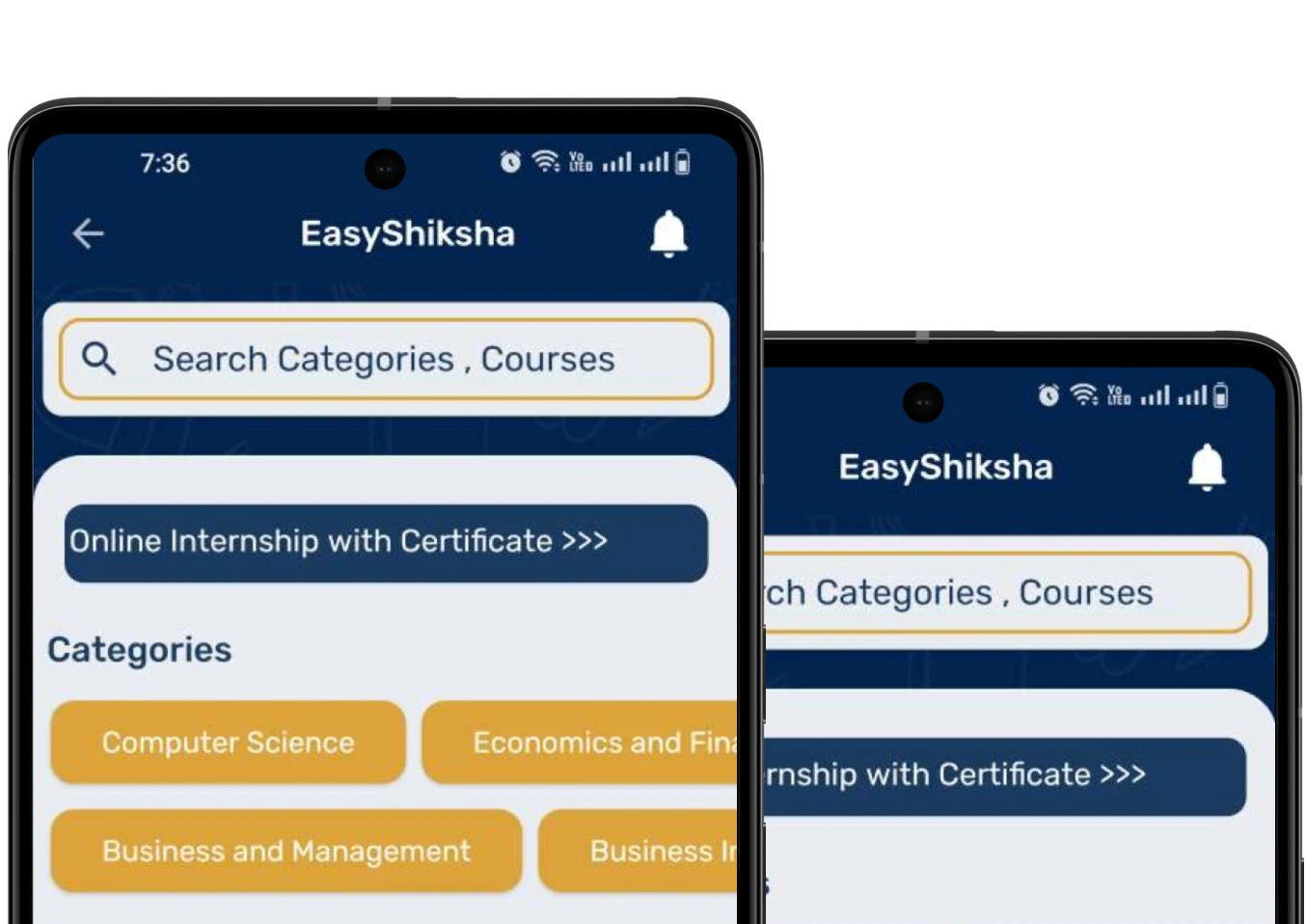
For a platform such as EasyShiksha, which brings together online education, courses, online degrees, internships, quizzes, games, career counselling and school, college and university discovery, this idea offers a useful way to imagine the future of connected student experiences.
The central question is not whether students need another application. They already have many. The more important question is whether technology can reduce fragmentation and help students understand how today’s learning activity connects with tomorrow’s opportunity.
Also Read: From Prompt to Progress: Building an AI-Assisted Learning Journey
What Does an “Operating System” Mean in Student Life?
An operating system on a computer creates an environment in which different applications, files and processes can work together. A student-life equivalent would not necessarily perform every task itself. Instead, it would help different educational activities connect around a common student profile and journey.
A student might use one part of the system to discover a course, another to take a quiz, another to explore universities and another to find an internship. The important feature would be the relationship between these activities.
For example, imagine a student interested in artificial intelligence. Instead of simply showing hundreds of AI courses, the system could help the student understand their current level, identify introductory learning resources, test foundational knowledge, explore relevant degree options and eventually discover projects or internships that match the skills being developed.
The student would not have to think of every activity as an isolated task.
This is similar to how a computer operating system creates a common environment in which different applications can interact with files, settings and user preferences. A student-focused digital ecosystem could create a common learning environment around interests, goals, progress, skills and experiences.
The objective would not be to control the student’s decisions. It would be to make information and opportunities easier to navigate.
Why Student Life Has Become So Fragmented
The modern education journey has expanded far beyond classrooms and textbooks. A student can learn from online courses, university websites, educational applications, video platforms, discussion forums, AI assistants, internship portals and professional networks.
This expansion creates opportunities, but it also introduces friction.
A student researching a college may have to visit multiple websites to compare programmes. After choosing a course, the student may search somewhere else for supplementary learning. After completing the course, the student may look for internships on another platform. When preparing a resume, they may have to collect information from several sources.
The information exists, but the journey is disconnected.
Riya’s twelve browser tabs represent this problem. Each tab may be useful individually, yet together they create cognitive overload. The student becomes responsible for remembering what each platform contains, which course was completed, which internship was applied for, which quiz result needs improvement and which university deadline is approaching.
An operating-system approach would attempt to reduce this fragmentation by creating a central student context.
Instead of asking, “Where did I save that information?” the student could ask, “What should I do next?”
The Student Profile as the Home Screen
Every operating system has a starting point. For a student-life platform, the starting point could be a dynamic digital education profile.
Rather than being just a username and account page, the profile could represent the student’s learning journey. It could connect courses completed, subjects explored, quiz activity, projects, certificates, internship experience, interests and career exploration.
Imagine a student logging into the platform and seeing a learning dashboard that reflects their current stage. A first-year student might see introductory courses, career exploration activities and university resources. A final-year student might see skill-building courses, project opportunities, internships and career preparation.
The profile would evolve as the student evolves.
This is important because students are not static users. Their interests change. A student who begins with an interest in engineering may later discover data science, design, entrepreneurship or another field.
A flexible profile should therefore record exploration rather than force students into permanent categories.
The goal would be to create a digital representation of the learning journey without turning it into a rigid label.
The Search Bar Could Become a Learning Starting Point
One of the most familiar elements of an operating system is search. In student life, search could become much more meaningful than simply finding a webpage.
Suppose a student types, “I want to learn cybersecurity but I am a beginner.”
A connected education system could respond by helping the student explore foundational concepts, beginner-level courses, relevant quizzes and possible career directions. If the student already has programming knowledge, the system could take that information into account when presenting learning options.
Another student might search, “Which degree can help me explore business analytics?”
The system could connect the question to degree options, related skills, introductory courses and practical learning opportunities.
The search experience would therefore move from information retrieval toward education navigation.
This is particularly relevant for EasyShiksha because its ecosystem covers multiple education needs. Students may arrive looking for a course but discover internships, quizzes, degree options, career guidance or educational institutions as their needs evolve.
Courses Become Applications in the Learning System
In this model, online courses would remain one of the most important components.
However, a course would not be the end of the journey.
A student might begin a course after discovering a subject through a career exploration activity. During the course, quizzes could help measure understanding. After completion, a project could provide an opportunity to apply the knowledge. Later, an internship could provide workplace exposure.
The course becomes one application inside a larger educational environment.
This changes the question students ask about courses. Instead of only asking, “How many hours is this course?” they may begin asking, “Where does this course take me?”
That question encourages learners to think about outcomes, practical application and relevance.
EasyShiksha’s course ecosystem can naturally fit into this approach because learning can be connected with quizzes, internships, certificates and broader career development.
Quizzes as the Diagnostic Engine
An operating system for student life would need feedback mechanisms.
In education, quizzes can provide one of the simplest forms of feedback.
A student may believe they understand a subject because the lesson felt easy. A quiz can reveal whether that understanding remains available when the student has to retrieve the information independently.
In a connected learning system, quiz results could become signals for the next learning activity.
Suppose a student completes a basic finance course but struggles with certain concepts in a quiz. The system could encourage revision before recommending more advanced content. If the student performs consistently well, the platform could help them explore the next level.
This does not require an algorithm to make final decisions for the student. It simply provides information that can make the learning journey more responsive.
For students, this can replace vague feelings such as “I think I understand this” with more concrete evidence of what they know and what they should practise.
Career Counselling as the Navigation Layer
Student life is not only about academic content. It is also about decisions.
Which subject should I explore? Should I pursue a degree or a certification? Which skills are relevant to a particular field? What kind of internship should I look for? What should I learn before applying?
These questions often require context.
Career counselling can act as a navigation layer within a student operating system. Digital tools can help students collect information and explore possibilities, while counsellors can help them discuss their interests, circumstances and goals.
The important distinction is that technology should support decision-making rather than pretend that every educational choice can be reduced to an automated recommendation.
A student may explore several careers before choosing a direction. That uncertainty is a normal part of education.
A connected platform can make exploration easier without forcing premature certainty.
College and University Discovery as the Education Store
Another important component would be education discovery.
Students frequently search for colleges and universities separately from the rest of their learning journey. But academic institutions are closely connected to courses, degrees, skills and careers.
A student exploring computer science may want to compare programmes, understand degree structures and identify institutions offering relevant options. Another student may already know the institution they want but need to understand its programme choices.
An integrated discovery environment could connect these questions.
Instead of treating college discovery as a standalone directory, it could become part of the broader learning journey.
EasyShiksha’s focus on helping students discover schools, colleges and universities fits naturally into this model. The value comes from placing institutional discovery alongside learning and career exploration rather than isolating it.
Students could move from “What should I learn?” to “Where can I study it?” and then to “How can I gain practical experience in it?”
Internships as the Real-World Layer
If courses represent structured learning, internships represent practical exposure.
An operating system for student life would therefore need a mechanism for connecting learning with experience.
Imagine a student who has completed introductory digital marketing courses and several quizzes. Instead of leaving the platform with only a certificate, the student could continue toward a practical opportunity.
An internship could provide exposure to deadlines, communication, collaboration and real tasks.
This creates an important relationship between learning and experience.
Students can learn a concept, test it, apply it in a project and later encounter a real-world version of it during an internship. Each stage reinforces the others.
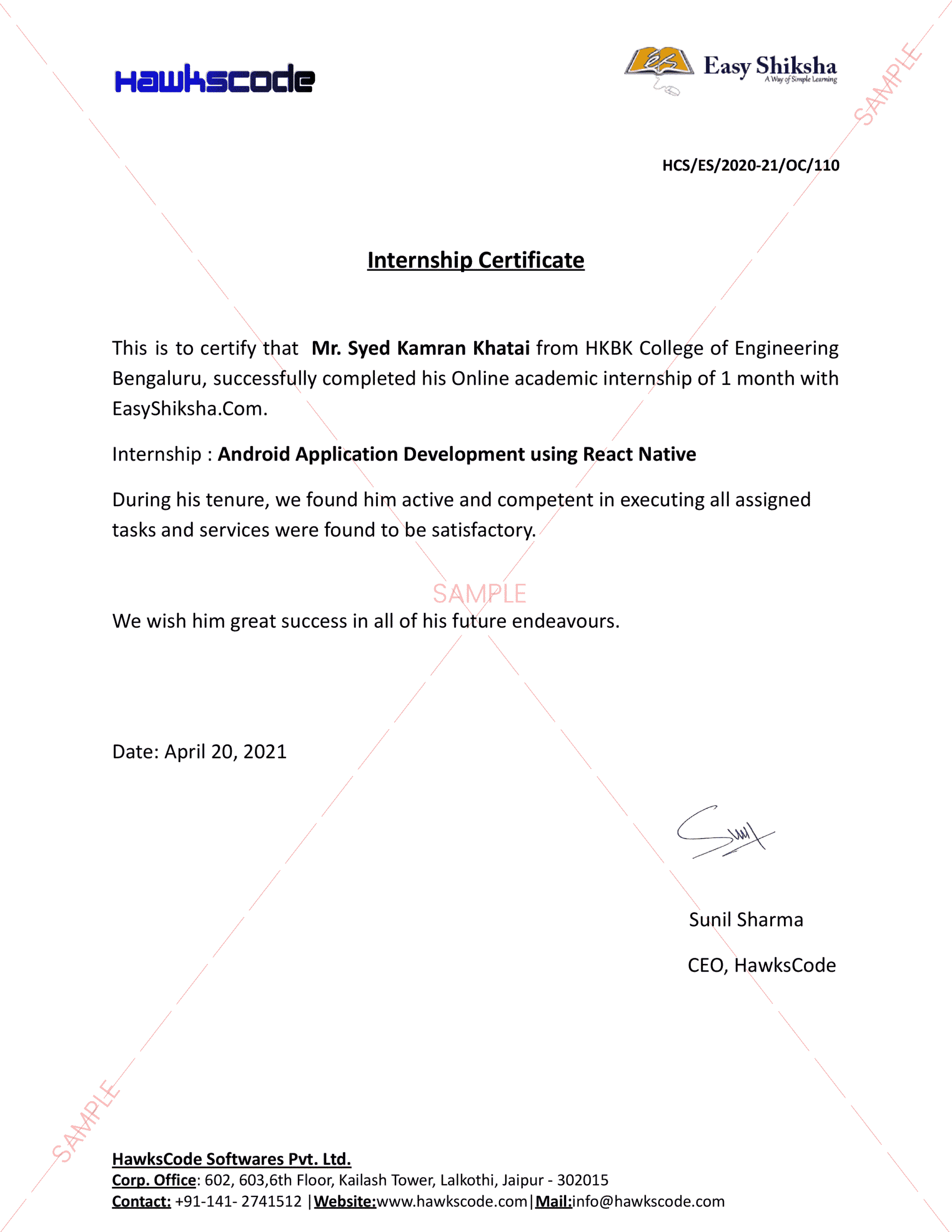
EasyShiksha’s combination of learning and internship opportunities can support this connected progression.
The objective is not to promise that completing a particular course automatically leads to employment. Rather, it is to create more opportunities for students to build the knowledge and experience that can contribute to career readiness.
Games Could Become Part of the Student Interface
An operating system does not have to feel like a spreadsheet.
Students also need motivation, curiosity and engagement.
Educational games can provide another layer of interaction. A game can turn revision into a challenge, introduce problem-solving scenarios or allow students to experiment in a lower-pressure environment.
The key is purposeful design.
A game becomes educational when its mechanics support a learning objective rather than simply placing educational content inside an entertaining interface.
EasyShiksha’s inclusion of games creates the possibility of making learning more interactive while keeping educational goals at the centre.
A student might complete a quiz, earn progress through a game-based activity and then return to a course or project. These experiences can complement one another when designed as parts of a coherent journey.
Notifications Should Become Useful, Not Noisy
Students already receive notifications from dozens of applications.
An operating system for student life would need to treat notifications differently.
Instead of sending constant reminders, a useful system could provide context. A notification might tell a student that they have completed a course but have not yet attempted the associated quiz. Another could remind them about an unfinished learning activity or an upcoming educational deadline they have chosen to track.
The principle should be relevance.
Technology should reduce mental clutter, not increase it.
A student should feel that the platform understands what they are currently working on rather than receiving random prompts to open another feature.
AI Could Become the Assistant Inside the System
Artificial intelligence could add another layer to this student operating system.
An AI assistant could help students navigate their own learning environment. Instead of searching separately for every piece of information, students could ask questions about their learning journey.
A student might ask, “What should I revise before starting this course?”
Another might ask, “Which topics did I struggle with recently?”
Someone preparing for an internship could ask, “What skills should I practise based on the project I completed?”
AI could help organise information and suggest possible next steps.
However, accuracy, transparency and privacy would remain essential. Educational AI should not present uncertain information as fact or make important decisions without giving students meaningful control.
The student should remain the decision-maker.
The Resume Could Become a Live Career Record
Traditional resumes are usually updated periodically. Students often remember to update them when applying for internships or jobs.
A connected student operating system could make career records more continuous.
As students complete courses, projects, certificates and internships, relevant information could be organised within their digital profile. Instead of trying to reconstruct their development at the end of college, students could gradually build a record of what they have learned and experienced.
This does not mean every activity belongs on a resume.
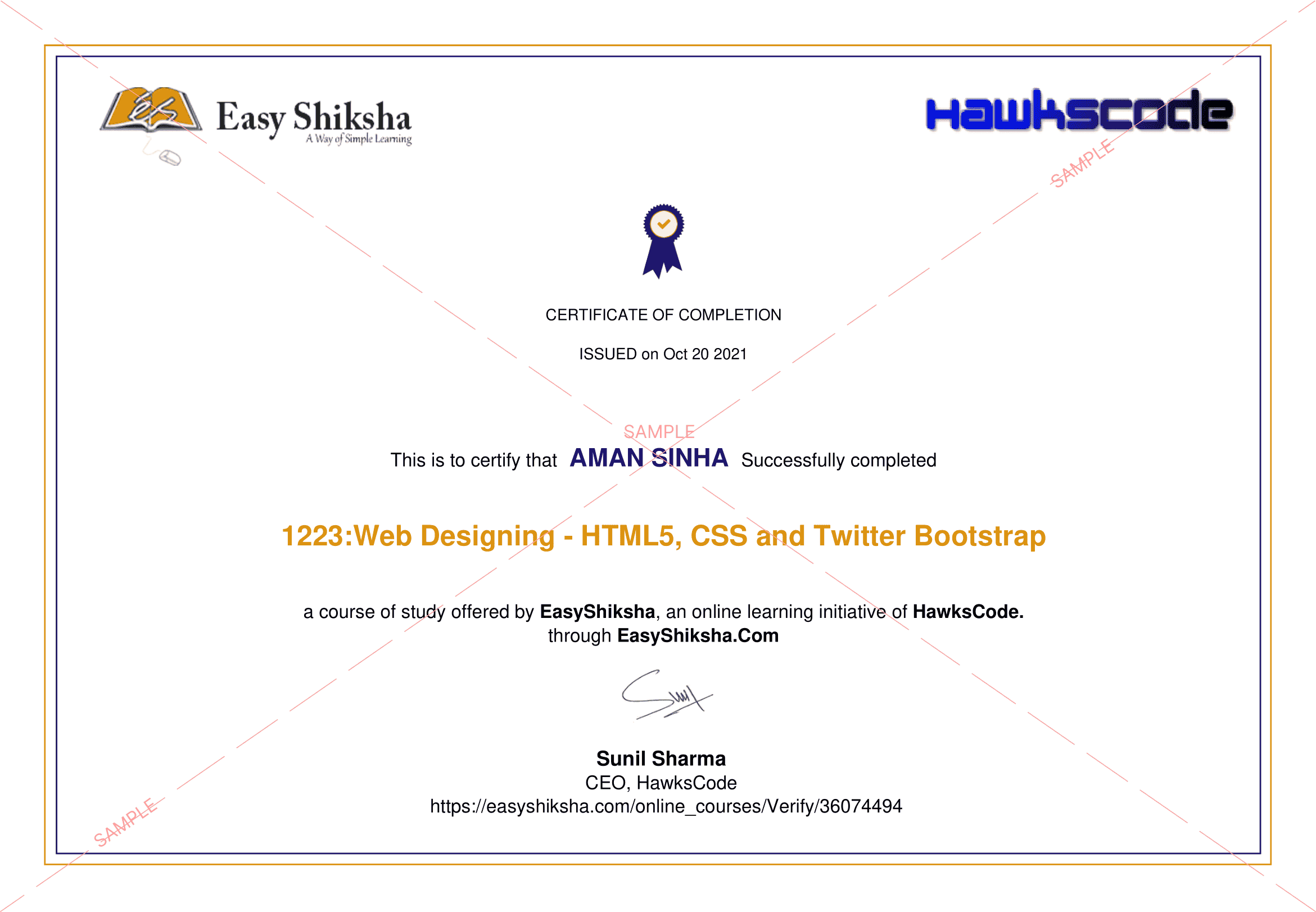
A good career record should distinguish between completion and evidence. A certificate may show that a course was completed, while a project can demonstrate application. An internship can add practical context.
The system could therefore help students understand the difference between collecting credentials and building credible evidence of skills.
From Dashboard to Personal Learning Timeline
An especially useful feature could be a learning timeline.
Imagine looking back at the last three years and seeing how a student’s interests developed. The timeline could show when they explored a subject, completed a course, took quizzes, built projects and participated in internships.
This could help students recognise progress that is difficult to see during everyday study.
It could also help them identify patterns.
A student might discover that they repeatedly return to technology-related subjects. Another might notice a growing interest in communication and marketing. Someone else might see that their strongest learning experiences have involved practical projects.
The timeline would not determine what the student should do next. Instead, it would provide context for reflection.
The Operating System Should Connect, Not Control
There is a significant difference between coordination and control.
A student-life operating system should not decide what a student must study. It should not reduce a person to a score or label. It should not assume that one career path is appropriate simply because an algorithm detected a pattern.
Its purpose should be to make choices easier to understand.
The student remains at the centre.
Technology can provide information. Quizzes can provide feedback. Courses can provide knowledge. Projects can provide evidence. Internships can provide experience. Counselling can provide human guidance. AI can help connect information.
But the student’s interests, circumstances and decisions remain essential.
This principle becomes increasingly important as educational technology becomes more sophisticated.
What This Could Mean for Different Students
A school student might use such a system primarily for exploration. They could discover subjects, try educational games, take quizzes and learn about different careers without needing to make immediate decisions.
A college student might use it for academic learning, skill development, project work and internship discovery.
A final-year student could focus more heavily on practical experience, career preparation, certificates, portfolio development and job-oriented skills.
A working professional could use the same ecosystem for reskilling, online degrees, short courses and career transitions.
The platform remains the same, but the experience changes according to the student’s stage.
This is one of the strongest arguments for thinking about student life as an operating system rather than a single course platform.
The system supports different applications at different moments.
The Future of Student Life May Be More Connected
Education has traditionally been divided into stages: school, college, degree, internship and employment.
Digital learning is making those boundaries more flexible.
A student can begin learning a professional skill before college. A graduate can pursue an online degree while working. A professional can take a course to change fields. A student can complete an internship while continuing formal education.
The journey is becoming less linear.
This makes connected platforms increasingly relevant.
The future student may not think in terms of separate websites for courses, quizzes, career guidance, internships and college discovery. They may simply think about a goal and expect technology to help them find the relevant path.
The challenge for platforms will be creating this connection without creating unnecessary complexity.
EasyShiksha as a Connected Student Ecosystem
The concept of an operating system for student life aligns naturally with EasyShiksha’s broad education ecosystem.
A student can explore courses, pursue online education and degrees, test knowledge through quizzes, discover internships, explore schools, colleges and universities, use career counselling resources and engage with educational games.
Each feature can serve a different purpose, but the larger opportunity lies in connecting them.
A student who discovers a subject through a quiz should be able to continue learning; A student who completes a course should have pathways toward practical application; A student exploring a career should be able to investigate relevant courses, degrees and internships. A student researching colleges should also be able to understand what they can learn and what skills they may develop.
This is the difference between a collection of educational features and a connected learning ecosystem.
The “operating system” idea is therefore less about building one giant application and more about creating continuity between different parts of student life.
Conclusion: One Student, Many Goals, One Connected Journey
The modern student already lives in a digital ecosystem. The challenge is that this ecosystem is often fragmented.
One platform contains courses. Another contains quizzes; Another provides college information; Another lists internships; Another offers career advice. Another stores certificates; Another helps build resumes.
Students become the integration layer.
They remember passwords, save links, track deadlines, compare information and attempt to understand how everything connects.
An operating system for student life could change this experience by putting the student at the centre of a connected educational environment.
It could provide a digital education profile as the home screen, search as the starting point, courses as structured learning, quizzes as feedback, projects as evidence, internships as practical exposure, career counselling as human guidance, university discovery as academic navigation, games as interactive learning and AI as a contextual assistant.
Get Some Courses: Comprehensive Guide to Hydrogen Energy: Production to Policy , Raspberry Pi in Education: Global Impact, Access & Innovation