



















In today’s digital learning ecosystem, students rarely rely on a single device. A typical learner may switch between a laptop for assignments, a tablet for reading, and a smartphone for quick revisions. While this multi-device approach offers flexibility, it can also create fragmentation if not managed properly.
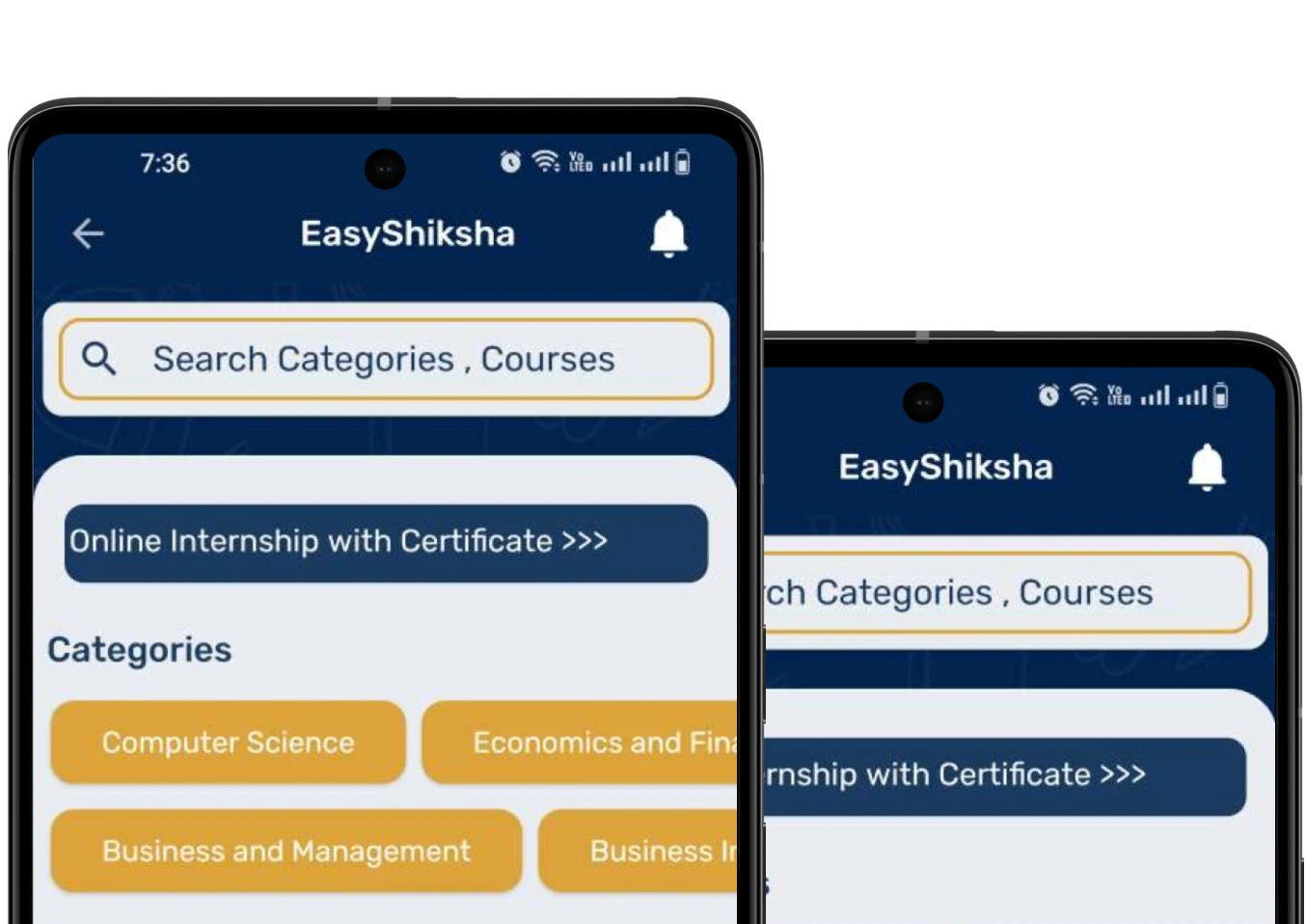
The key to maximizing productivity lies in synchronization. When all study devices are connected and updated in real time, students can seamlessly transition between tasks without losing progress or focus. Platforms like EasyShiksha are designed to support this multi-device learning approach, ensuring that students can access their courses anytime, anywhere.
This article explores how syncing study devices can enhance efficiency and how students can create a unified learning experience.
Understanding Multi-Device Learning
Multi-device learning refers to the use of different digital devices to access and manage educational content. Each device serves a specific purpose, contributing to a more flexible and dynamic learning process.
However, without proper synchronization, students may face issues such as lost data, outdated notes, and inconsistent progress tracking. These challenges can disrupt the learning flow and reduce efficiency.
EasyShiksha addresses these concerns by offering a platform that maintains continuity across devices, allowing students to pick up where they left off.
Also Read: Future Study Rooms: Fully Automated Learning Spaces
The Importance of Device Synchronization
Synchronization ensures that all devices are updated with the latest information. Whether it is notes, course progress, or assignments, syncing allows students to access consistent data across platforms.
This eliminates the need for manual transfers and reduces the risk of errors. It also saves time and effort, enabling students to focus on learning rather than managing files.
EasyShiksha’s cloud-based system ensures that all learning activities are automatically synced, providing a seamless experience.
Cloud-Based Storage Solutions
Cloud storage is the foundation of device synchronization. By storing data online, students can access their files from any device with an internet connection.
This approach ensures that important documents and notes are always available and up to date. It also provides a backup, reducing the risk of data loss.
EasyShiksha leverages cloud technology to store course materials and progress, ensuring accessibility and reliability.
Synchronizing Notes and Study Materials
Keeping notes organized and accessible is essential for effective learning. Digital note-taking tools allow students to create, edit, and sync notes across devices.
This ensures that students can review and update their notes anytime, whether they are using a laptop, tablet, or smartphone. It also enhances collaboration and sharing.
EasyShiksha’s digital resources complement this approach by providing structured content that integrates with personal study materials.
Using Cross-Platform Learning Applications
Cross-platform applications are designed to work seamlessly across different devices and operating systems. These apps ensure consistency and compatibility, making it easier to manage learning activities.
By using such applications, students can avoid compatibility issues and maintain a unified workflow. This enhances efficiency and reduces frustration.
EasyShiksha’s platform is optimized for multiple devices, ensuring a consistent learning experience.
Managing Notifications and Updates
While synchronization is beneficial, excessive notifications can become a distraction. Managing notifications effectively is crucial for maintaining focus.
Students should customize their settings to receive only essential updates related to their studies. This helps maintain a balance between staying informed and avoiding interruptions.
EasyShiksha provides relevant notifications that keep students on track without overwhelming them.
Creating a Unified Study Workflow
A synchronized system allows students to create a structured workflow. For example, they can start a lesson on their laptop, continue it on a tablet, and review it on a smartphone.
This continuity enhances productivity and ensures that learning is not interrupted by device limitations. It also allows students to adapt their study methods to different situations.
EasyShiksha supports this workflow by enabling seamless transitions between devices.
Enhancing Collaboration and Sharing
Device synchronization also facilitates collaboration. Students can share notes, assignments, and resources with peers, enhancing the learning experience.
Collaborative tools allow multiple users to work on the same document simultaneously, improving efficiency and teamwork.
EasyShiksha encourages collaborative learning by providing features that support interaction and knowledge sharing.
Ensuring Data Security and Privacy
While syncing devices offers numerous benefits, it is important to ensure data security and privacy. Students should use secure platforms and follow best practices such as strong passwords and two-factor authentication.
Protecting sensitive information is essential for maintaining trust and preventing unauthorized access.
EasyShiksha prioritizes data security, ensuring that students’ information is protected.
Offline Access and Synchronization
In situations where internet access is limited, offline functionality becomes important. Many platforms allow users to access content offline and sync updates once connectivity is restored.
This ensures uninterrupted learning and maintains consistency across devices.
EasyShiksha offers features that support offline access, allowing students to continue learning without disruptions.
Reducing Redundancy and Saving Time
Synchronization eliminates the need for duplicate work. Students no longer need to manually transfer files or update information on multiple devices.
This efficiency saves time and reduces errors, allowing students to focus on their studies. It also simplifies the learning process and improves organization.
EasyShiksha’s integrated system ensures that all data is updated automatically, enhancing productivity.
Building Consistent Study Habits
A synchronized learning environment supports the development of consistent study habits. When students can access their materials بسهولة, they are more likely to stay engaged and maintain regular study routines.
Consistency is key to effective learning, and synchronization plays a crucial role in achieving it.
EasyShiksha fosters consistency by providing a reliable and accessible platform.
The Role of EasyShiksha in Device Synchronization
EasyShiksha is designed to support multi-device learning by offering a seamless and synchronized experience. Its cloud-based platform ensures that students can access their courses, track progress, and manage their learning activities from any device.
By integrating advanced technology with user-friendly design, EasyShiksha enables students to maximize efficiency and achieve their goals.
Conclusion
In a world where students rely on multiple devices, synchronization is essential for maintaining efficiency and productivity. By connecting devices and ensuring consistent access to information, students can create a seamless and effective learning experience.
From cloud storage and cross-platform applications to secure data management and offline access, synchronization offers numerous benefits. EasyShiksha plays a vital role in this process by providing a platform that supports multi-device learning and ensures continuity.
By adopting the right strategies and leveraging technology effectively, students can transform their study routines and achieve maximum efficiency in their learning journey.
Get Some Courses: Azure Cloud Architecture & Enterprise Adoption , Conservation of Plants and Animals